


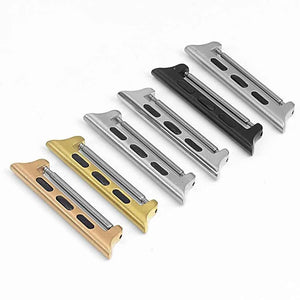
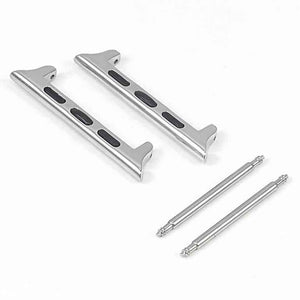
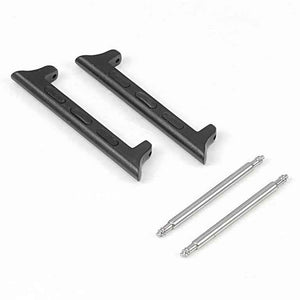
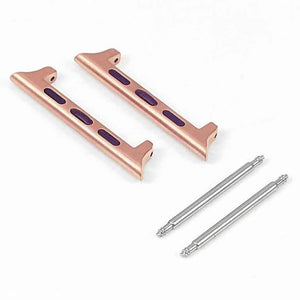
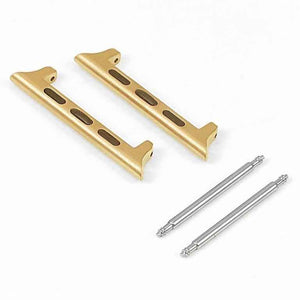
Apple Watch Adapter Set - Spring Style
Order now and it leaves our Melbourne warehouse tomorrow

Free shipping over $30

60-day hassle-free returns

12-month warranty

4.8/5 from 27,000+ reviews
Removes the need for fiddling around with a tiny screw - simply plug n play like a standard watch!
- Enables the usage of any 22mm standard watch band for your Apple Watch!
- Each set comes with two spring bars to hold the strap
- Made of premium high quality stainless steel adapters
- Compatible with all version of the Apple Watch!
Want to learn more about our OzStraps Story?
View our About Us page!
 Apple Watch Adapter Set - Spring Style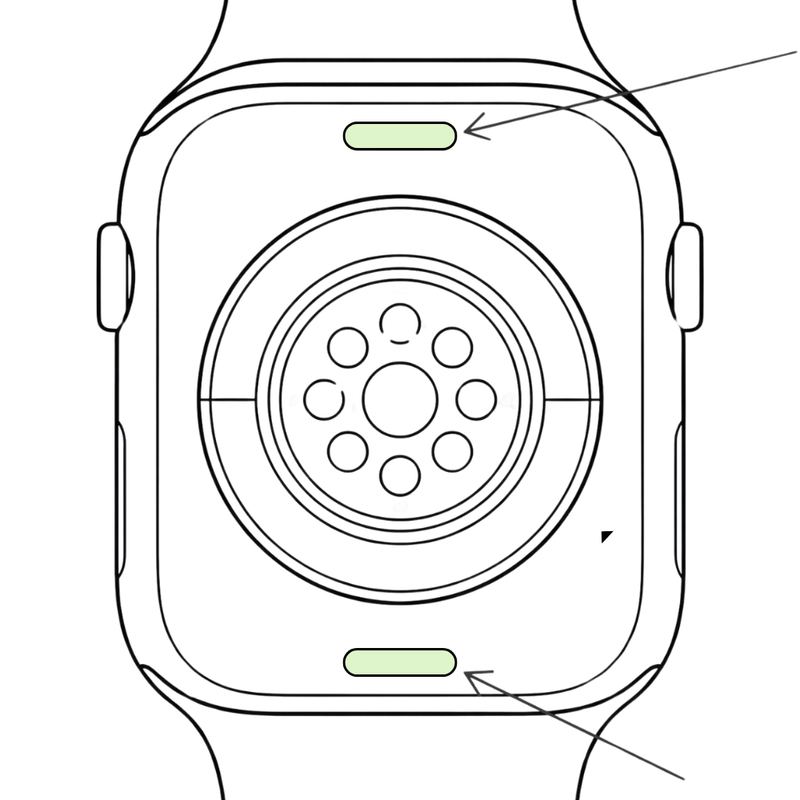
LOCATE RELEASE BUTTONS
Turn your Apple Watch over. On the back, find the two small oval buttons at the top and bottom of the back plate. These are the band release buttons.
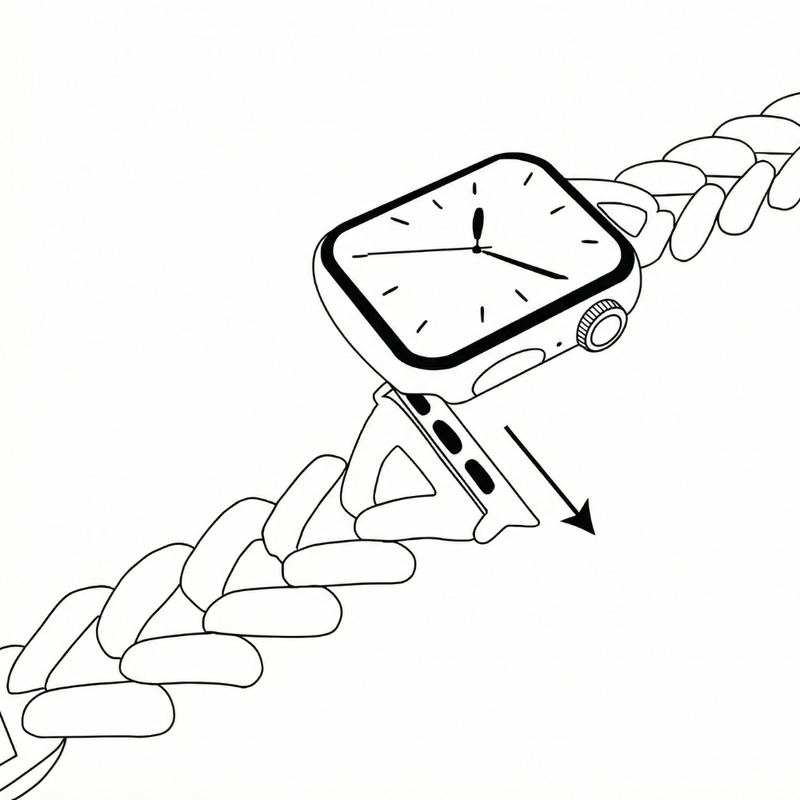
RELEASE THE BAND
Press and hold one release button, then slide the existing band out of the slot. Repeat on the other side to remove the band completely. Now is a good time to give it a clean!
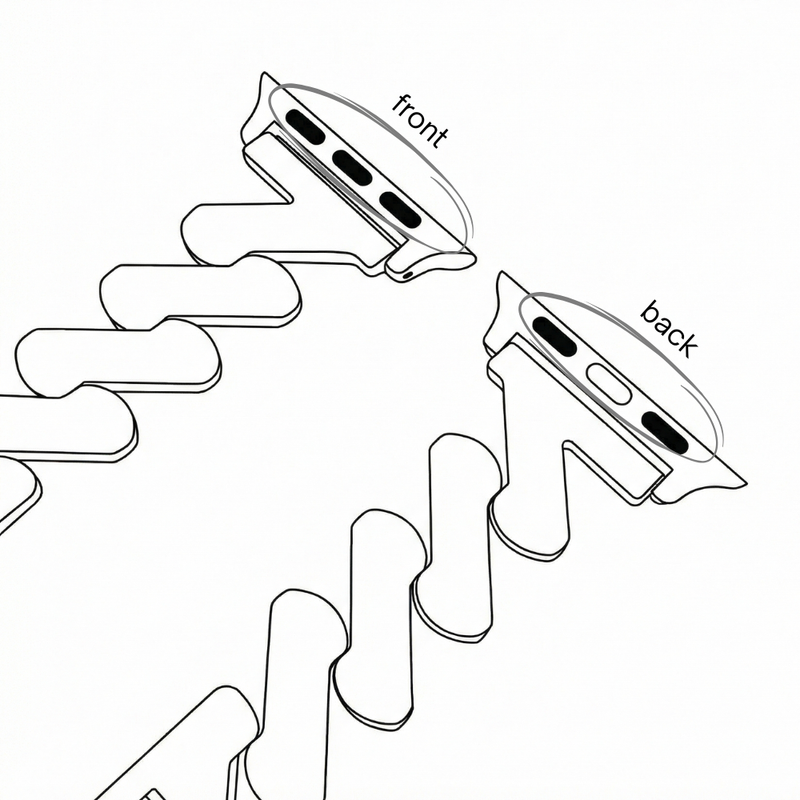
CHECK THE ADAPTORS
Take your new OzStraps band and check the adapters. The side with the silver magnet (and “front” marking if shown) should face the same direction as the back plate of the watch.
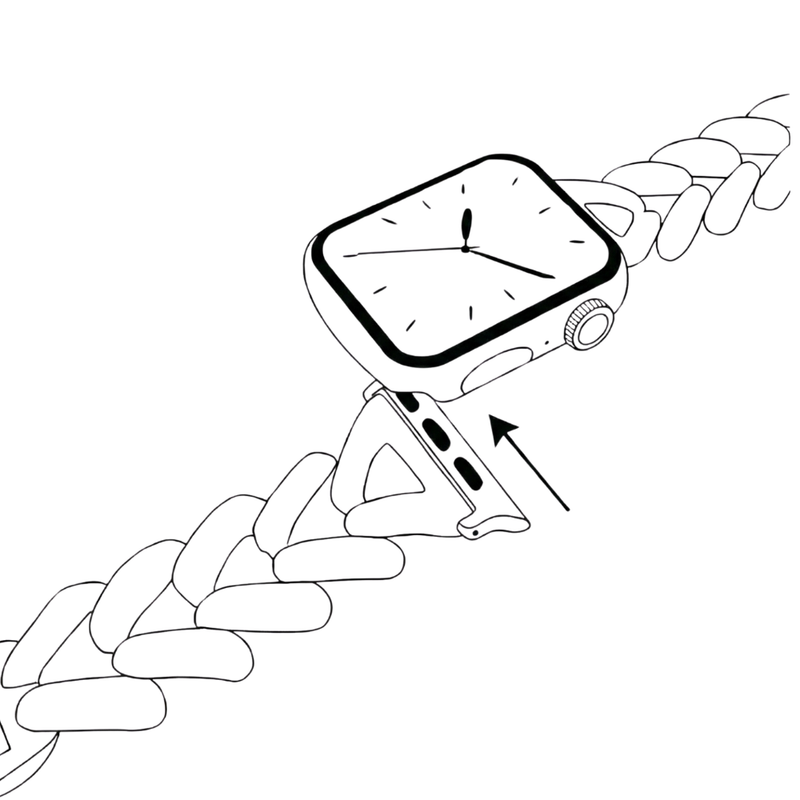
SECURE THE NEW BAND
Slide each adapter into the band slot until you feel or hear a small click. Give each side a gentle tug to make sure the band is securely attached.
- Orders over $100.00 → Free Australia Post Express Post (next-day delivery*)
- Orders $30.00 - $99.99 → Free Australia Post Parcel Post (with tracking)
- Orders under $30.00 → $5 Flat-Rate Parcel Post
- Same-day dispatch before 1pm on weekdays via Melbourne VIC
*Next-day delivery depends on Australia Post network
- 12 Month Local Warranty - that's right! If there's anything wrong or defective with your band, shoot us an email and we will sort you out! You can reach us at sales@ozstraps.com.au
- 100% Satisfaction - if you're not 100% happy with the band you have purchased, hit us up and we will be happy to get your band exchanged or refunded*