




Free shipping over $30

60-day hassle-free returns

12-month warranty

4.8/5 from 27,000+ reviews
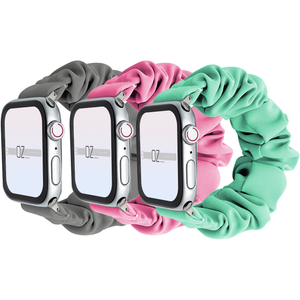
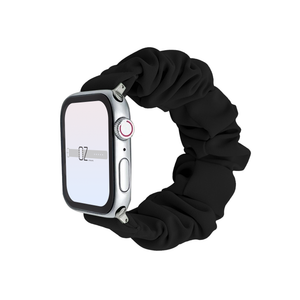
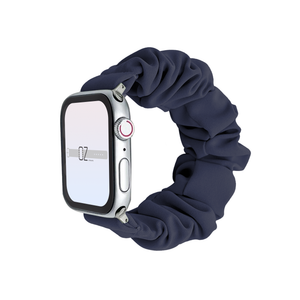
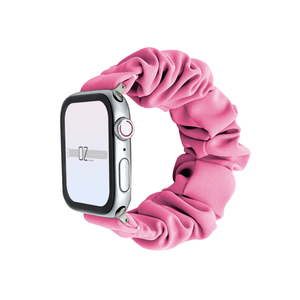
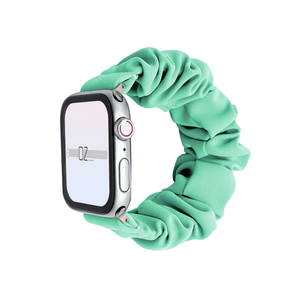
Experience the perfect combination of fashion and function with the stylish Scrunchie Apple Watch Band! Enhance your look with a stylish accessory that puts an extra dash of personality into your everyday style.
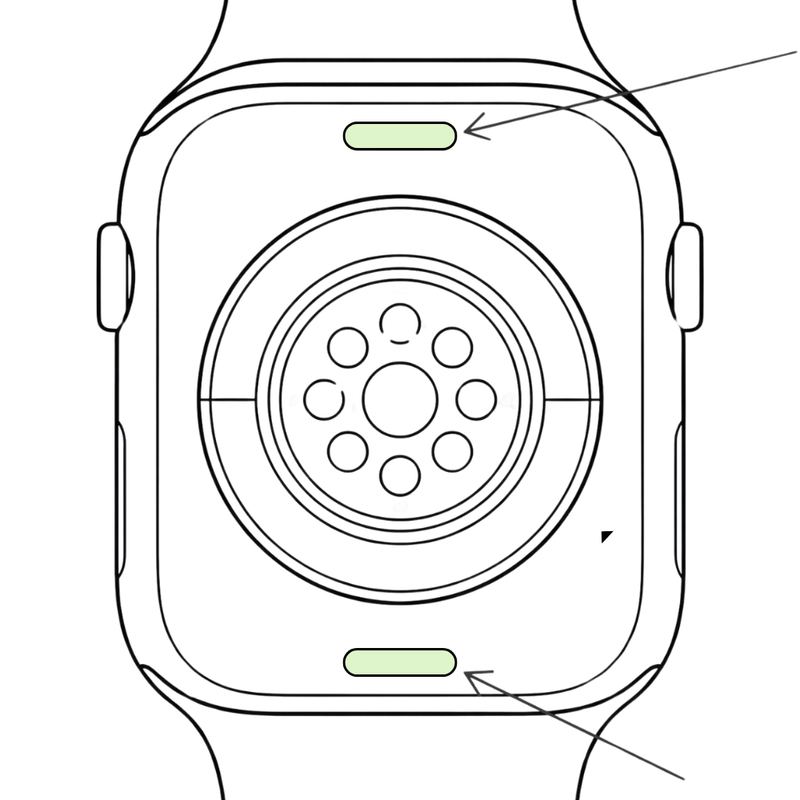
Turn your Apple Watch over. On the back, find the two small oval buttons at the top and bottom of the back plate. These are the band release buttons.
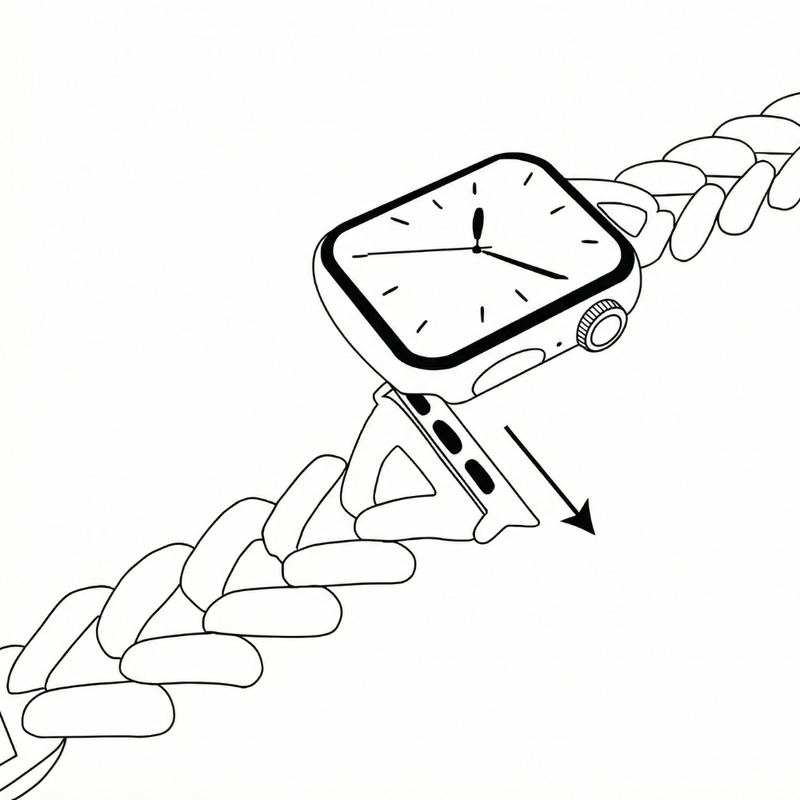
Press and hold one release button, then slide the existing band out of the slot. Repeat on the other side to remove the band completely. Now is a good time to give it a clean!
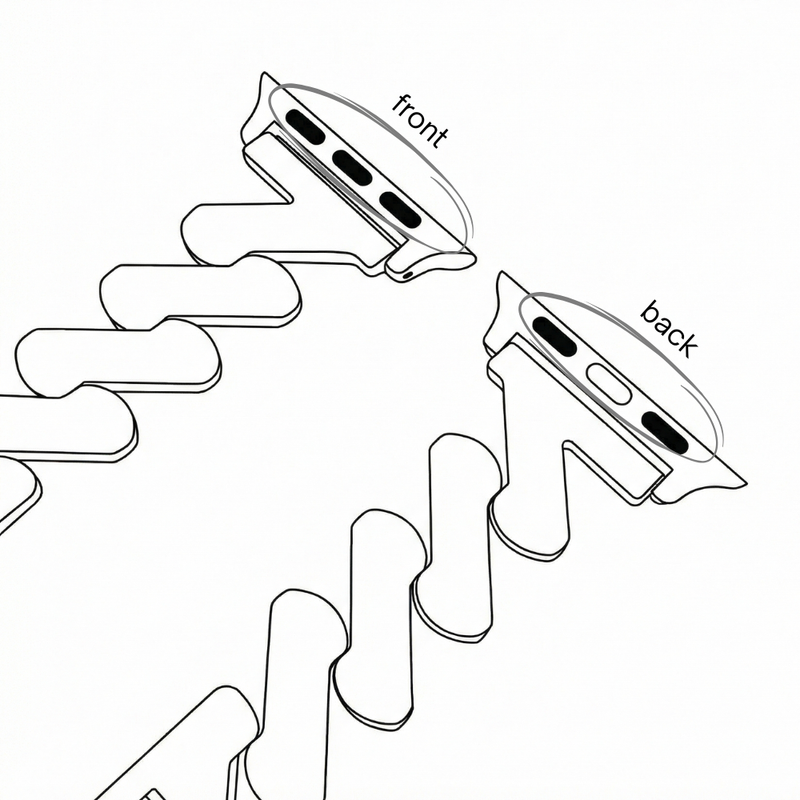
Take your new OzStraps band and check the adapters. The side with the silver magnet (and “front” marking if shown) should face the same direction as the back plate of the watch.
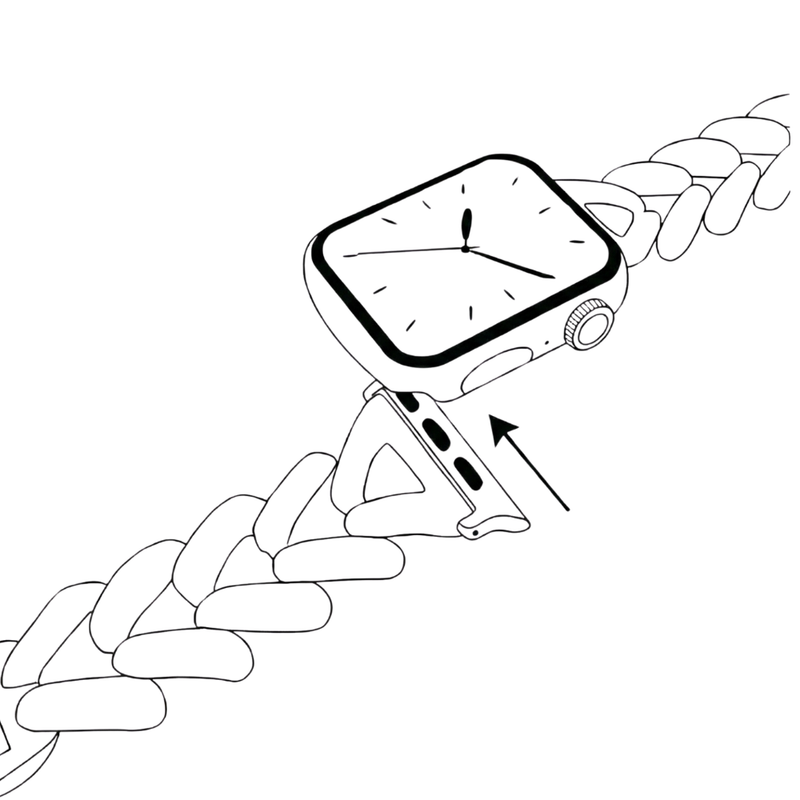
Slide each adapter into the band slot until you feel or hear a small click. Give each side a gentle tug to make sure the band is securely attached.
*Next-day delivery depends on Australia Post network