

Apple has released watchOS 26, delivering a range of updates aimed at improving productivity, fitness tracking, communication, and the overall user experience. This update is available for compatible Apple Watch models and brings new features that integrate seamlessly with existing apps and hardware.
Let’s check out the main changes in watchOS 26, along with practical accessory suggestions to help you make the most of your device.
Live Translation in Messages
One of the most notable features in watchOS 26 is AI-powered live translation for Messages. This allows users to receive and send translated messages in real-time, supporting multiple languages without needing a separate app.
This feature is available on Apple Watch Series 9, Series 10, and Ultra 2 models, and is designed to work seamlessly when travelling or communicating with friends and colleagues in different countries.
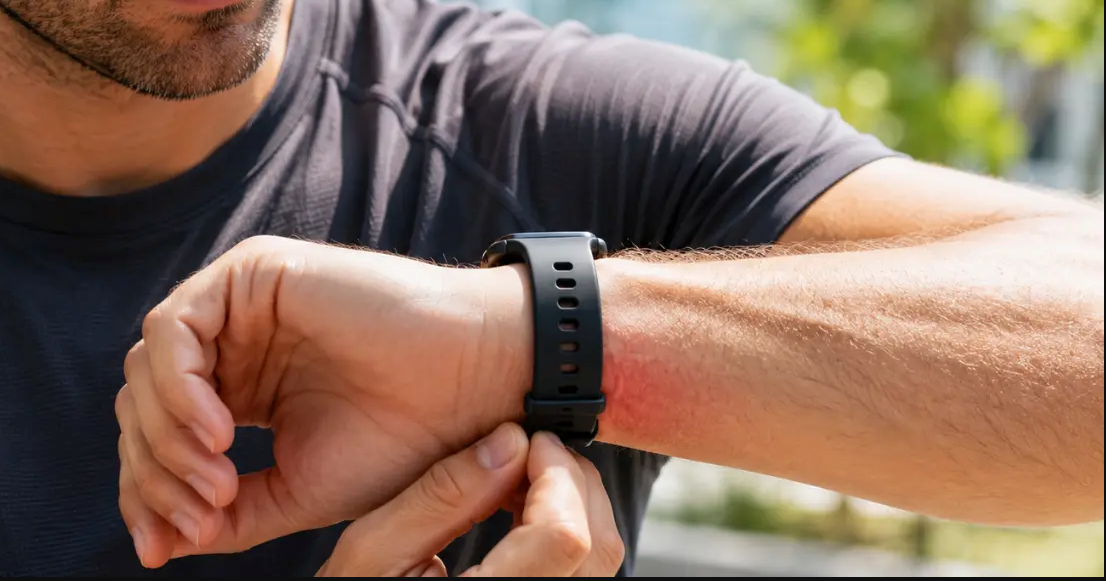
If you plan to use your Apple Watch on the go, asilicone Apple Watch band is a durable and comfortable choice for all-day wear, particularly when travelling.
Notes App on Apple Watch
The new Notes app allows users to create, view, and edit notes directly from the Apple Watch. Notes sync with iCloud, meaning updates are accessible across iPhone, iPad, and Mac.
This is useful for quick reminders, to-do lists, and capturing ideas without needing to pull out your phone. The addition of this app makes the Apple Watch more independent as a productivity tool.
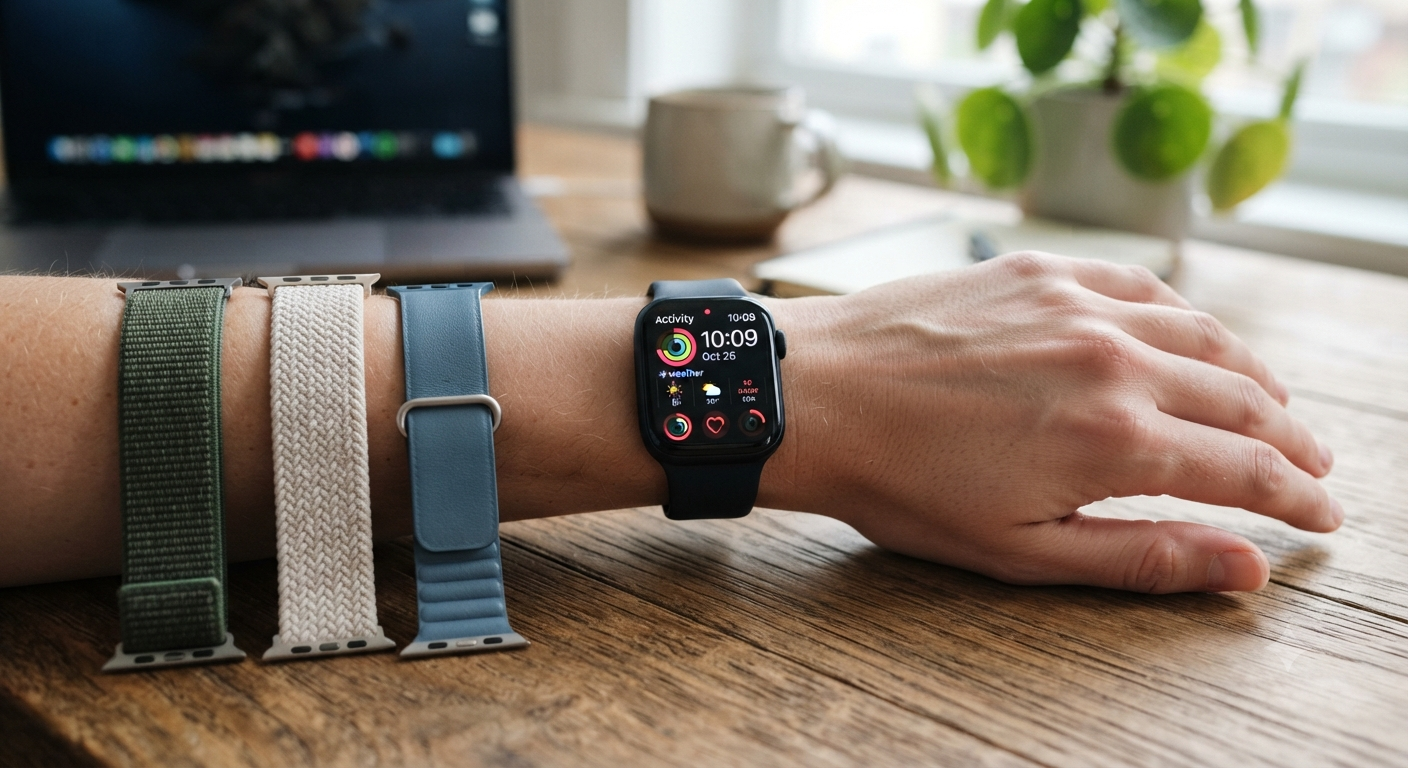
For a professional look during work or meetings, consider upgrading to one of OzStraps’Apple Watch bands in stainless steel or leather.
AI Workout Coaching
The AI Workout Buddy is a new coaching feature that provides real-time exercise feedback and motivation. It tracks performance, suggests adjustments, and can recommend training plans tailored to your goals.
This feature supports multiple workout types, from running and cycling to strength training, making the Apple Watch a more effective fitness companion.
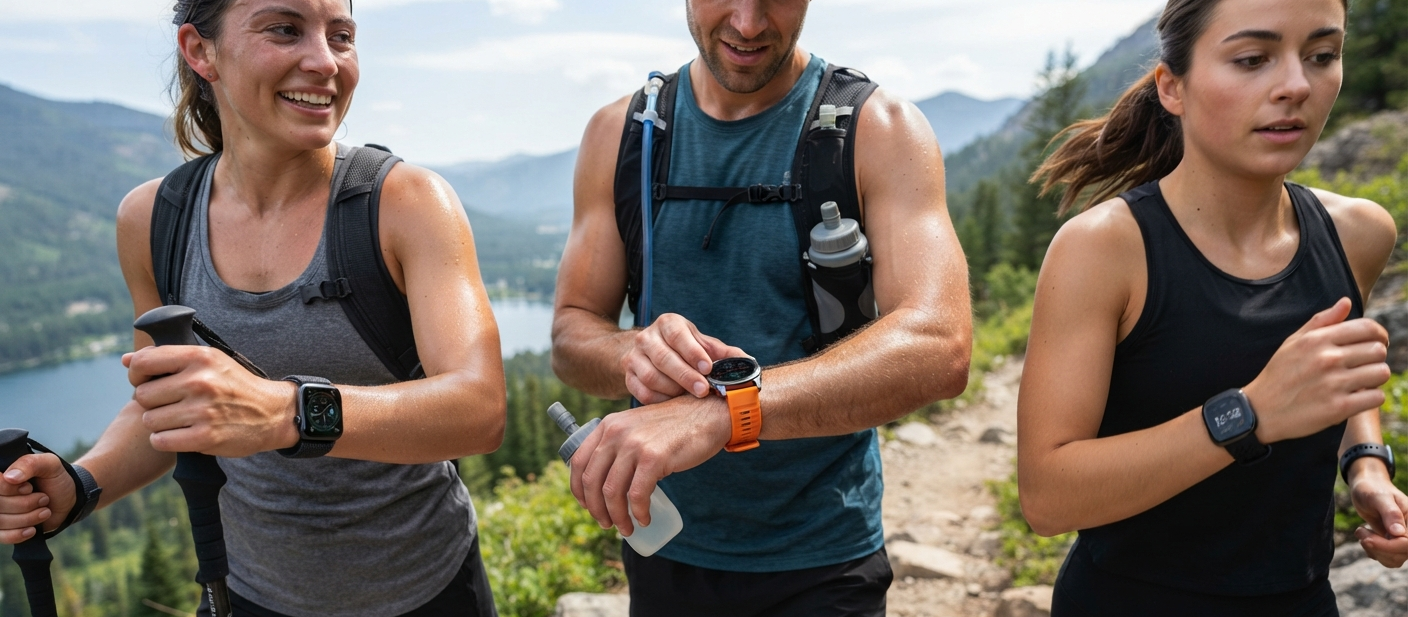
Awatch protection case can protect your device from scratches or impact during high-intensity workouts.
Liquid Glass Interface Refresh
Apple has introduced a new “Liquid Glass” UI across watchOS 26. This design update gives the system a more modern and transparent look, making navigation smoother and visually cleaner.
While it does not change functionality, the design refresh improves the overall user experience by making menus and apps easier to read and interact with.
In addition to the main features above, watchOS 26 also includes:
-
Performance Optimisations: Faster app loading times and smoother animations.
-
Health and Fitness Updates: Expanded workout types and improved tracking accuracy.
-
Accessibility Enhancements: More customisable text sizes, new watch face complications, and improved voice control options.
How to Update to watchOS 26
To install watchOS 26:
-
Ensure your Apple Watch is paired with an iPhone running the latest iOS version.
-
Open the Watch app on your iPhone.
-
Go toGeneral > Software Update.
-
Follow the on-screen instructions to download and install the update.
The update process requires your watch to be connected to its charger and have at least 50% battery.
Pairing the Update with the Right Accessories
With the new features in watchOS 26, selecting the right band or case can improve both functionality and style. OzStraps offers a wide range of options, including:
-
Apple Watch Bands:Available in stainless steel, leather, and woven styles for everyday wear.
-
Watch Bands Online: A complete selection for both casual and formal occasions.
-
Apple Watch Protection Cases: Ideal for protecting your device during sports or outdoor activities.
-
Silicone Apple Watch Bands:Lightweight and sweat-resistant for fitness use.
watchOS 26 delivers practical upgrades that make the Apple Watch more versatile for work, travel, and fitness. Features such as live translation, the Notes app, and AI workout coaching expand the ways users can rely on their device day to day.
Pairing these software improvements with the right accessories can further enhance your Apple Watch experience. Whether you need a comfortablesilicone band for workouts, a stylishstainless steel strap for the office, or aprotection case for outdoor use, OzStraps offers a wide range of compatible options to suit any lifestyle.



Leave a comment (all fields required)