

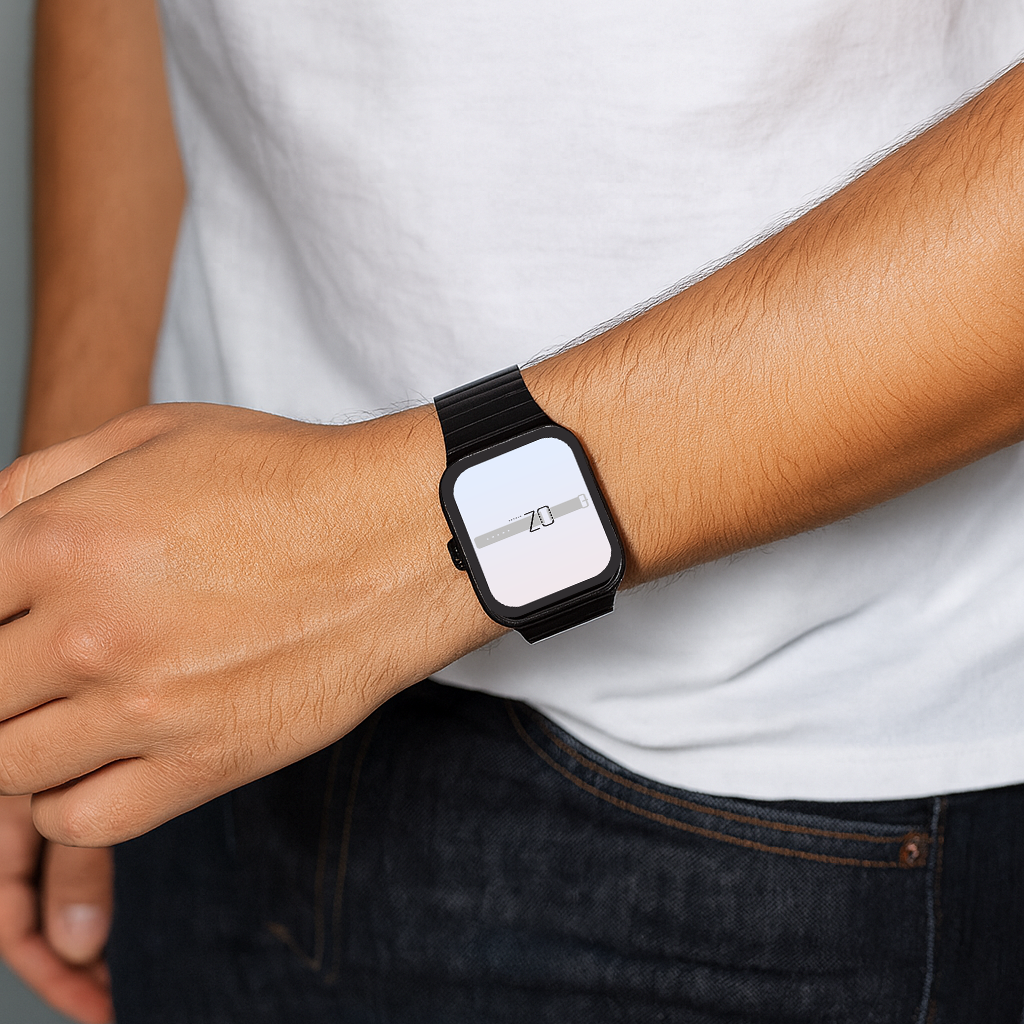

In Australia, the Apple Watch is more than a fitness tracker or a way to see notifications at a glance. With the right setup, it becomes a central hub for daily life. From unlocking your MacBook to paying with Apple Pay at the local café, Apple Watch integration across iPhone, iPad, Mac, AirPods and HomeKit makes everyday tasks faster and more convenient.
Why Apple Watch Integration Matters
The Apple ecosystem is designed to work seamlessly together. Connecting your Apple Watch with other devices delivers:
-
Faster logins and secure authentication.
-
Real-time syncing of apps and health data.
-
Hands-free control of audio and smart home functions.
-
A connected experience that saves time.
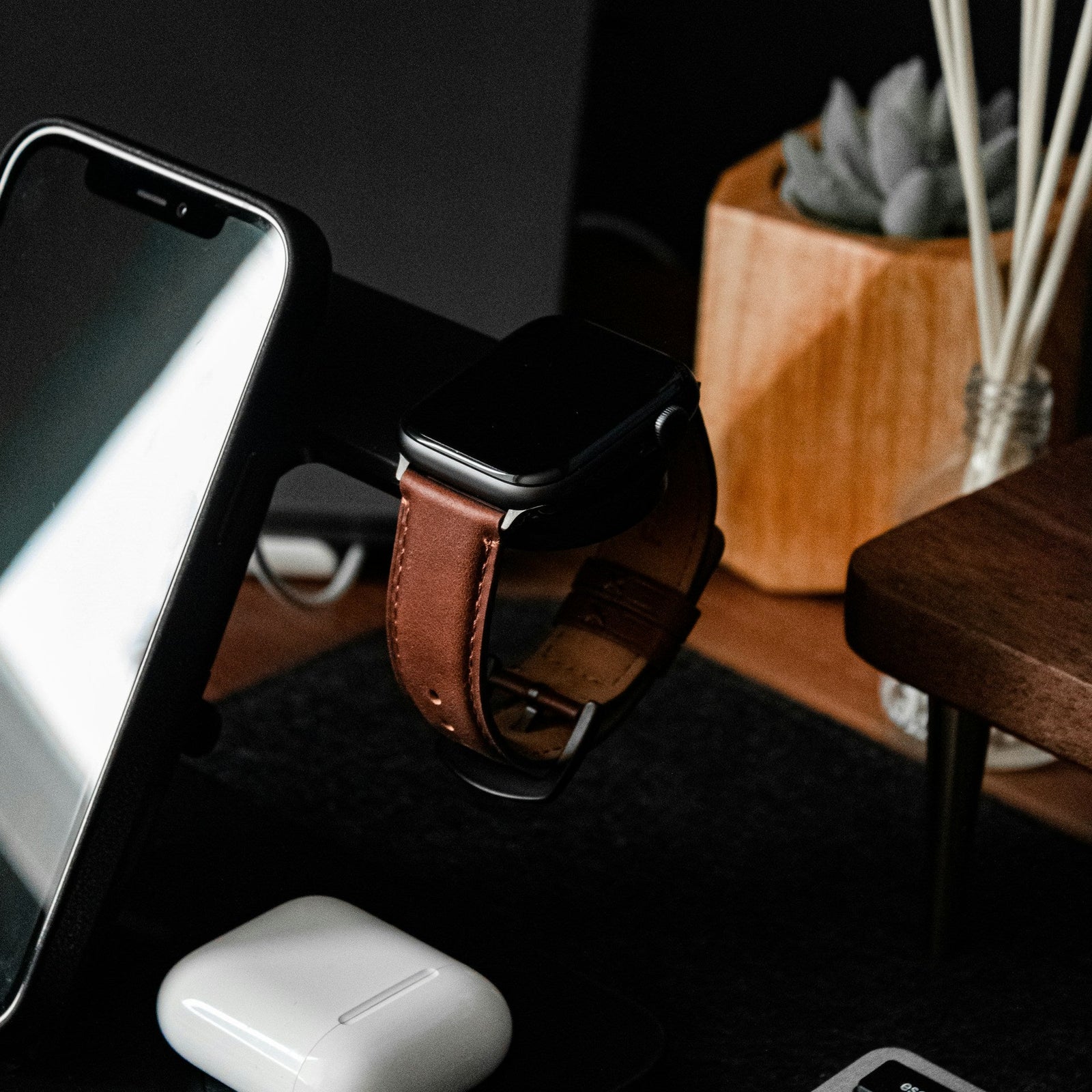
Pairing your device with a stylishApple Watch band completes the setup, making your Watch look as good as it performs.
Pairing Apple Watch with iPhone
Every Apple Watch user in Australia will start here. Pairing takes a few minutes:
-
Hold your Watch near your iPhone.
-
Tap Continue when the pairing screen appears.
-
Scan the animation on the Watch with your iPhone camera.
-
Complete setup in the Watch app.
Key features once paired:
-
Unlock your iPhone using Apple Watch, including Face ID and masks.
-
Answer calls and reply to texts directly from your wrist.
-
Maps directions appear on Watch while navigating on iPhone.
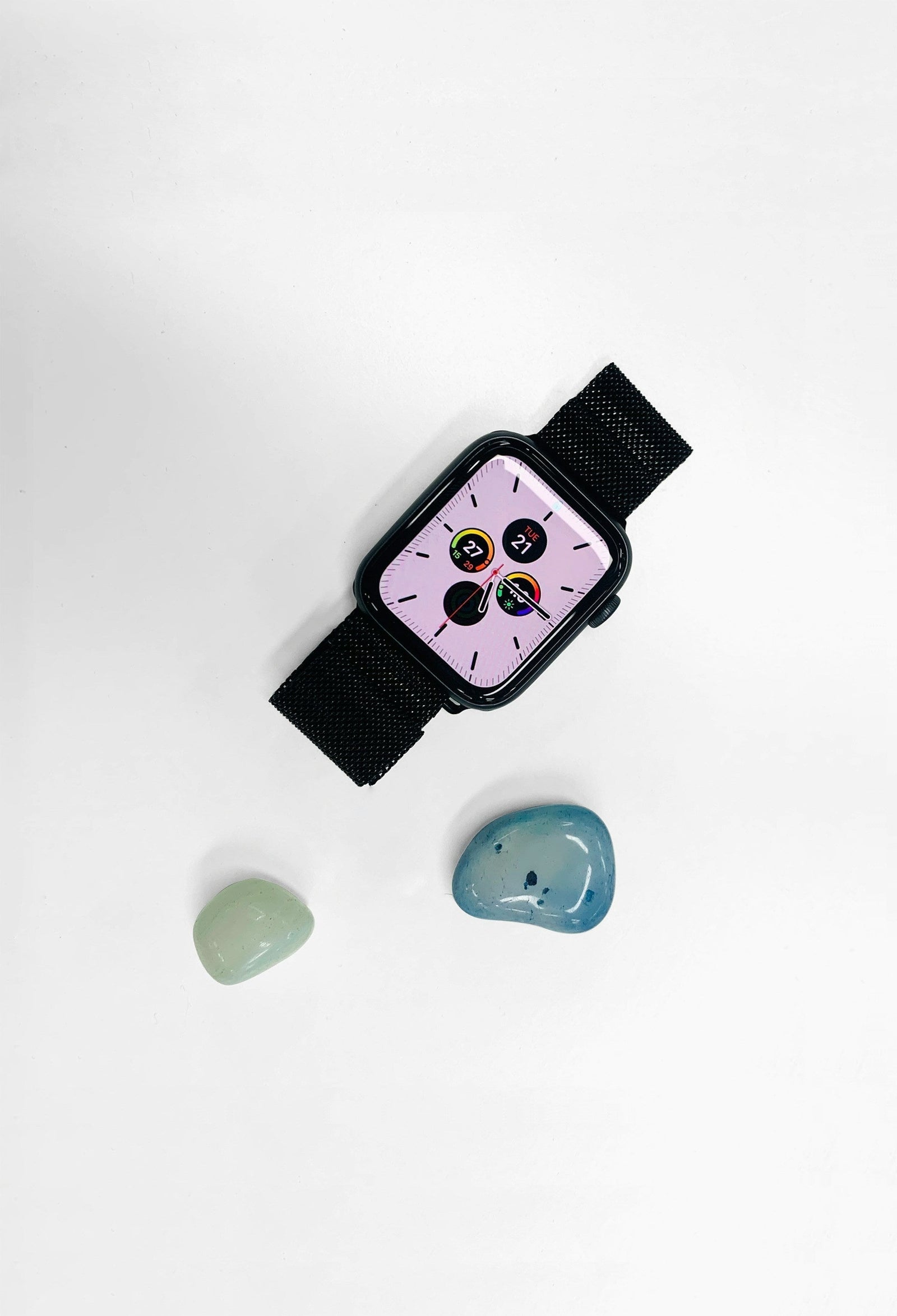
Customise the look with the full range ofwatch bands online for both casual and professional wear.
Connecting Apple Watch with Mac and iPad
Apple Watch works smoothly with Mac and iPad , allowing you to;
-
Unlock your Mac automatically when wearing the Watch.
-
Approve app downloads and Apple Pay purchases with a quick double-click.
-
Sync notes, reminders and calendars between Watch and iPad for a consistent workflow.
Lightweight bands from theApple Watch collection make all-day productivity more comfortable.
Apple Watch and AirPods: Smarter Audio
Pairing AirPods with Apple Watch adds control and convenience:
-
Start music, podcasts or calls straight from your wrist.
-
Adaptive audio adjusts sound during workouts.
-
Manage calls hands-free with Siri.
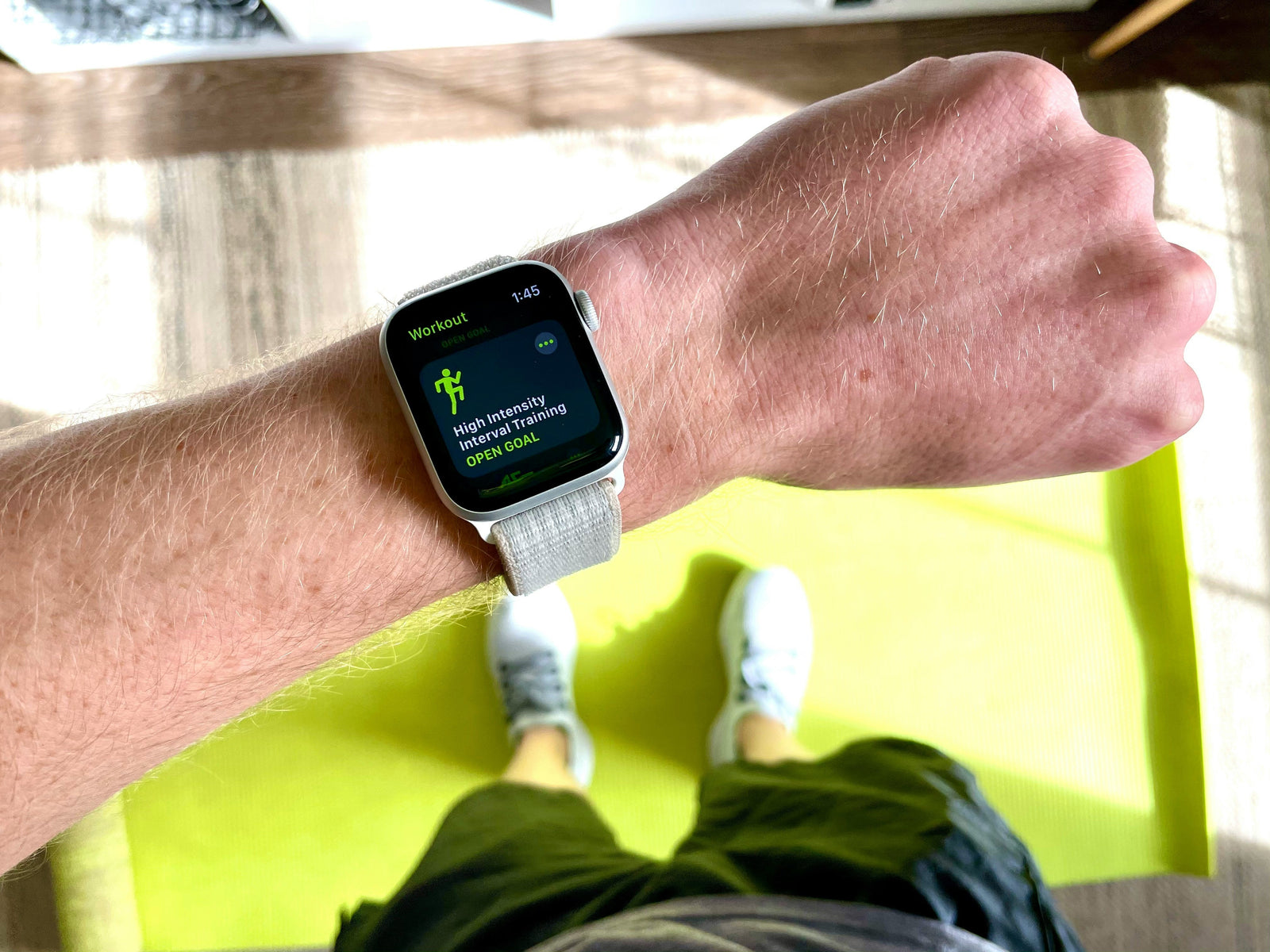
For runs, gym sessions and outdoor activity, asilicone Apple Watch band is the practical choice.
Apple Watch Smart Home Integration with HomeKit
HomeKit is supported in Australia, giving your Watch smart home controls such as:
-
Switching lights on and off.
-
Adjusting air conditioning or heating.
-
Checking compatible security cameras.
-
Triggering preset “Good Morning” or “Movie Night” scenes.
HomeKit-enabled devices include major brands like Philips Hue, Eve and Nanoleaf.
If you also use other wearables, exploreGarmin watch bands andFitbit watch bands to keep every device secure and stylish.
Apple Watch Hacks for Australians
Maximise integration with these quick hacks:
-
Apple Pay: Accepted across most Australian retailers, cafés and public transport systems.
-
Fitness data syncing: Track a workout on Watch, then review results in detail on iPhone or iPad.
-
Shortcuts automations: Create triggers such as “When I start a run, play my gym playlist.”
-
Digital car keys: Available in Australia only on select BMW models, with broader rollout expected in future.
Integration Features in Australia by Device
|
Device |
Features Enabled in Australia |
Everyday Use |
|
iPhone |
Unlock, calls, messages, Maps, continuity |
Stay connected without picking up your phone |
|
Mac |
Auto-unlock, app approvals, Apple Pay |
Faster logins and secure purchases |
|
iPad |
Notes, reminders, calendar syncing |
Productivity across multiple devices |
|
AirPods |
Audio control, adaptive sound |
Hands-free listening at work or the gym |
|
HomeKit |
Lights, AC, cameras, preset scenes |
Smarter home management on the wrist |
Which Apple Watch band is best for workouts?
Asilicone Apple Watch band is ideal for workouts in Australia’s climate. It’s sweat-resistant, durable and easy to clean.
Can I change bands easily for different occasions?
Yes. AllApple Watch bands from OzStraps feature quick-release designs, so swapping from gym to office takes seconds.
Does Apple Watch integration work with non-Apple devices in Australia?
Integration is strongest within the Apple ecosystem. Many third-party devices connect through HomeKit if they’re available locally. For broader compatibility, explorewatch bands online across multiple smartwatch types.
Are digital car keys available in Australia?
Currently, digital car keys on Apple Watch are limited to select BMW models. Wider support is expected as manufacturers adopt the feature locally.
Will Apple expand integration features in Australia?
Yes. With every watchOS update, Apple continues to roll out features globally. AI-driven automations and more advanced HomeKit controls are expected to expand here in the coming years.
Future of Apple Watch Connectivity in Australia
Apple’s focus on ecosystem growth means future updates will continue to bring new features to Australian users. Anticipated improvements include:
-
Smarter automations that adapt to routines.
-
Expanded support for more HomeKit devices locally.
-
Deeper health and fitness insights across Watch, iPhone and iPad.
Apple Watch integration in Australia makes life easier, faster and more connected. By pairing with iPhone, Mac, iPad, AirPods and HomeKit, the Watch delivers more than timekeeping—it becomes a tool for smarter living.
Complete your setup with the latestApple Watch bands or explore the full range ofwatch bands online at OzStraps to get the most from your device.



Leave a comment (all fields required)